 by
by Hello Everyone I just wanted to make a quick post about what my home lab looks like or better yet provide a description of what it is and what do I use it for. This is also an opportunity for you to even look into this and maybe implement this into your home lab. I will also link videos or directions on how to set this up made by other people.


Physical Lab
Cisco Switch and Routers is I connect my other devices together.
– 1x Cisco ASA 5505 Series – Firewall
– 1x Cisco Catalyst 2950 Series – Switch
– 2x Cisco 2600 Series – Router
– 1x Security Onion Desktop Workstation
This is my IDS/IPS workstation I utilize my Cisco stack to forward traffic from my entire household into this system. I also attack this machine on occasion to get a feel on how my IDS/IPS is reporting and how it reports it. If I notice anything within the system doesn’t report or notice then I will make the adjustments and changes within the system.

Virtual Labs
My virtual labs are how I get most of my actual practice defensive and offensive practice and honing my skills.
– Kali Linux
This is my offensive security station and how I practice all my ethical hacking on vulnerable machines such as Hack the box and Tryhackme.
– Flare
This workstation is used specifically for dynamic and static malware analysis. This is a Fireeye distribution that is downloaded on a Windows 7 Ultimate and its the workstation I used for 0verfl0w_’s Beginner malware analysis course and I currently use for my Zero2Automated Course. But I also try to collect malware samples from other sources to practice analysis.
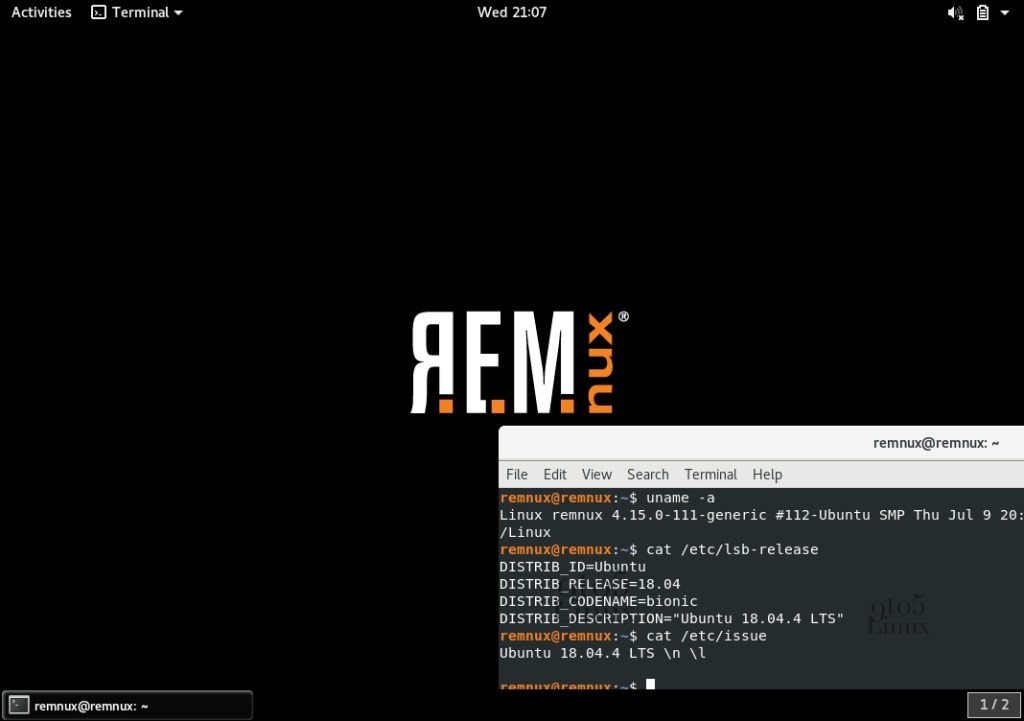
– REMnux
Now this one is a bit new and its a Linux based Toolkit for Malware analysis. I recently picked this up just not too long ago to be able to analyze malware on a Linux Workstation and it has different tools that I can experiment with. Overall it has been great so far.
Below I will provide some links.
https://securityonionsolutions.com/software
https://docs.securityonion.net/en/2.3/
https://www.kali.org/
https://www.kali.org/docs/
https://remnux.org/
https://docs.remnux.org/install-distro/install-from-scratch
https://www.fireeye.com/blog/threat-research/2017/07/flare-vm-the-windows-malware.html
https://github.com/fireeye/flare-vm
Now to setup VM’s is quite simple but definitely worth the research especially if you want to make Malware VMs or even Attackbox VM’s.
https://www.youtube.com/watch?v=wX75Z-4MEoM – This video will explain Virtual Box.
https://www.youtube.com/watch?v=wGZrhKhj0Fk – This is Hyper-V
https://www.youtube.com/watch?v=1Oa2MZVw14c – This is how to setup VMware.
These would be the three I am most familiar with and I think are heavily support by the Distros above.
 CyberSecurity Blog